
Built by Vo Tan Binh. SPACEAPP bridges the gap between complex aerospace data and everyday users by offering a sleek, intuitive platform to explore real-time satellite activity, orbital mechanics, and live telemetry — all from the palm of your hand.
Introducing SPACEAPP v5.6
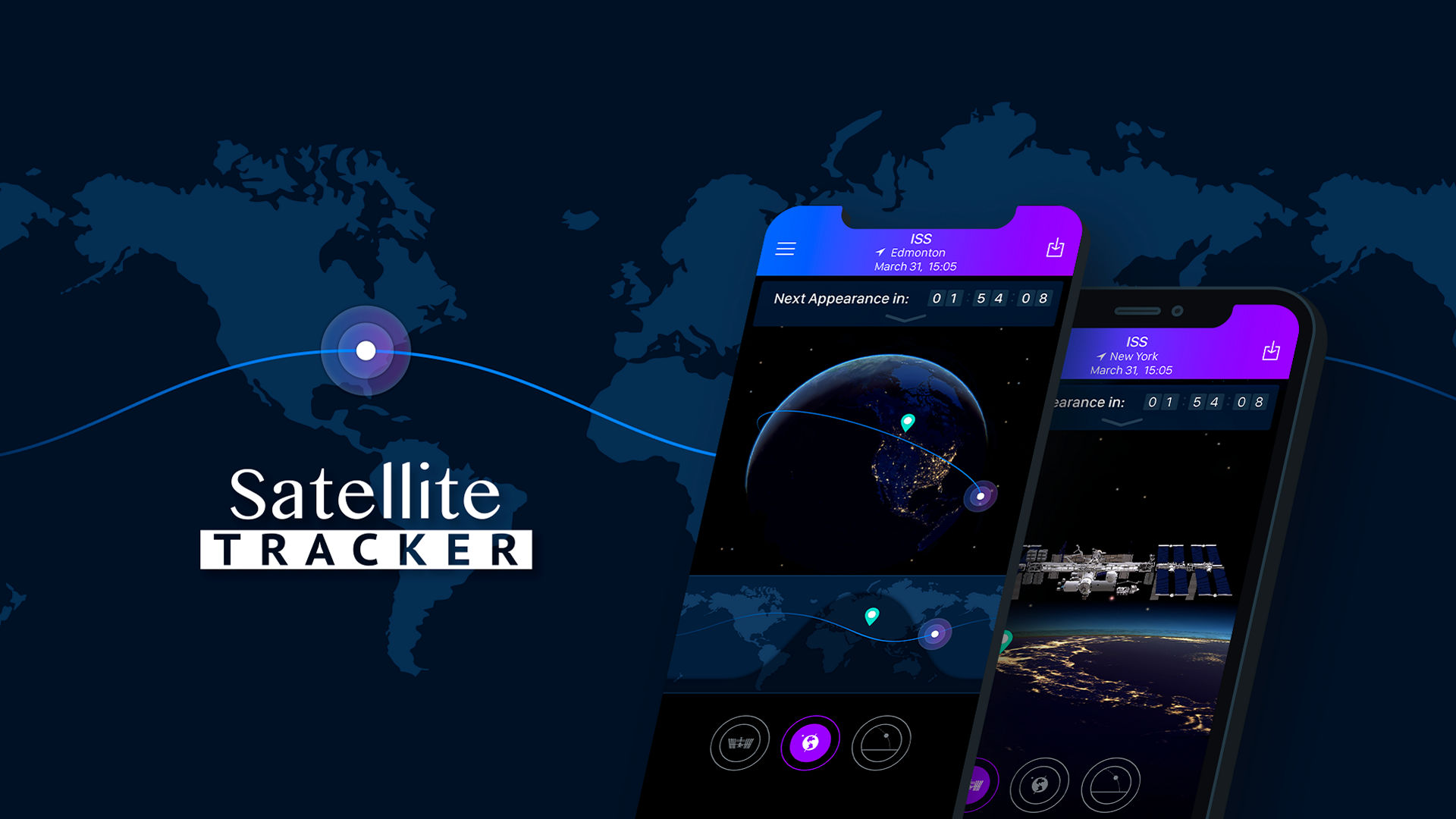
Introducing SPACEAPP v5.6: a major platform and capability upgrade focused on performance, visualization, and experience. v5.6 builds on the solid foundation of v5.5 while introducing significant improvements to satellite rendering, efficiency, system reliability, and distribution.
Built by Vo Tan Binh. SPACEAPP bridges the gap between complex aerospace data and everyday users by offering a sleek, intuitive platform to explore real-time satellite activity, orbital mechanics, and live telemetry — all from the palm of your hand.

What is SPACEAPP?
Satellite trackers follow artificial objects orbiting Earth. SPACEAPP reimagines satellite tracking with real-time orbital data, interactive 3D visualizations, and advanced analytics powered by modern AI technologies. Users can identify satellites, explore missions, analyze orbital behavior, and gain deeper insight into humanity's activities in space through a clean, intuitive interface.
SPACEAPP v4.0 & v4.2 are legacy versions. Users are recommended to switch to newer stable versions: v5.0, v5.5.x, and v5.6.x
See more here*
Click here* to see guidance of using our app.

What is in our SPACEAPP?
Here’s a closer look at the core features that make SPACEAPP more than just a tracker — it’s a complete orbital insight platform built for exploration, research, and learning.
Satellite and NORAD ID
Each satellite in orbit is uniquely identified by a NORAD ID — a five-digit catalog number assigned by the North American Aerospace Defense Command. SPACEAPP lets you search and discover satellites by their common names or NORAD IDs. This helps users trace specific missions, verify authenticity, and explore satellite purpose (e.g., Starlink-1094 or NOAA-20).
Satellite Live Position
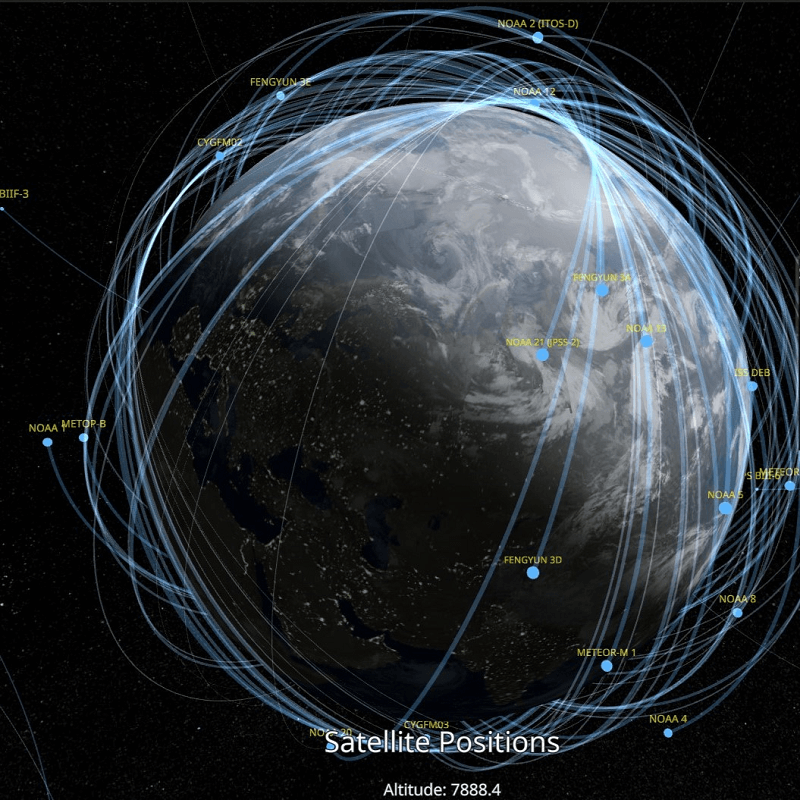
SPACEAPP tracks the precise latitude (North-South position) and longitude (East-West position) of satellites in real time. Our dynamic interface updates continuously so you can watch satellites as they move above countries, oceans, and continents. Perfect for learning orbital mechanics or spotting visible satellites from your location.
Satellite Orbit Data
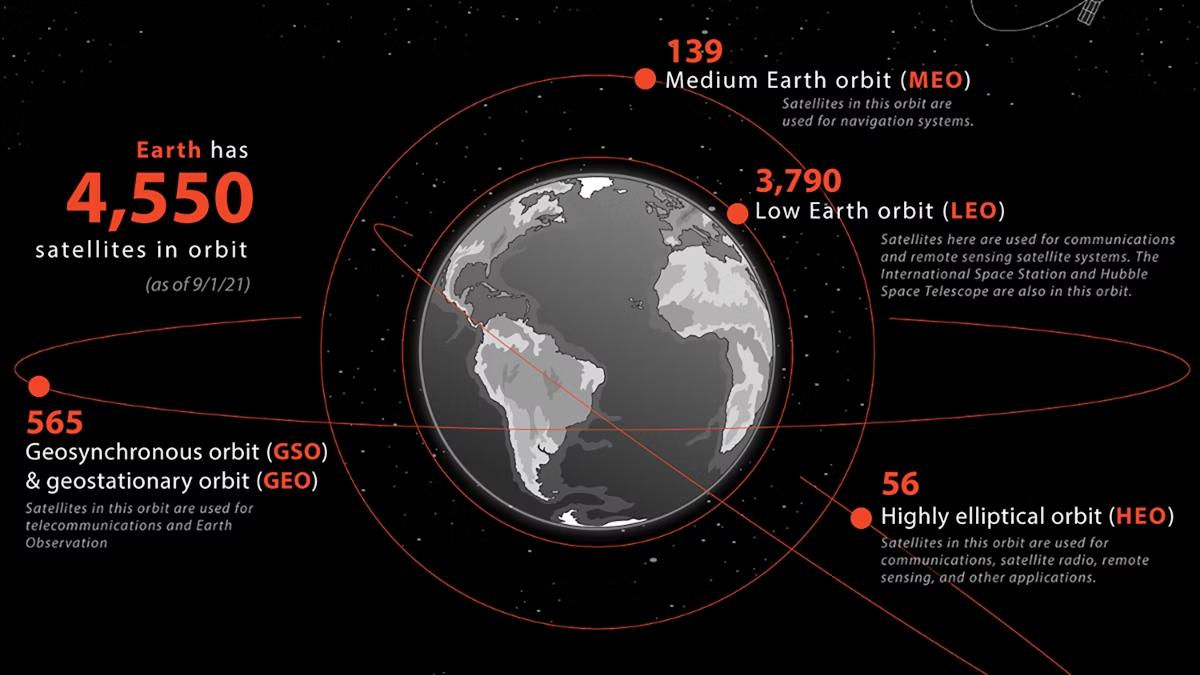
Orbit data includes parameters like altitude, inclination, eccentricity, and revolution period. SPACEAPP calculates and displays these values so users can understand how high a satellite flies, what shape its orbit forms (circular or elliptical), and how frequently it circles Earth. Great for education and satellite operation modeling.
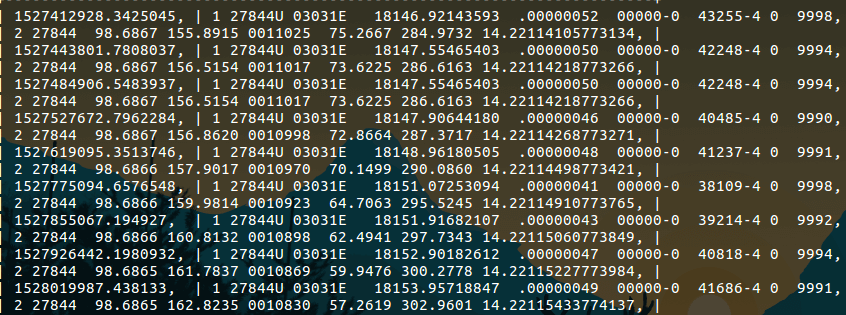
TLE data
TLE stands for Two-Line Element, a compact format used to predict a satellite’s position over time. SPACEAPP decodes and visualizes TLE data in human-friendly terms. You’ll learn how orbital data is stored, how satellite paths are calculated, and how NASA or NORAD can predict future positions using just two lines of numbers.
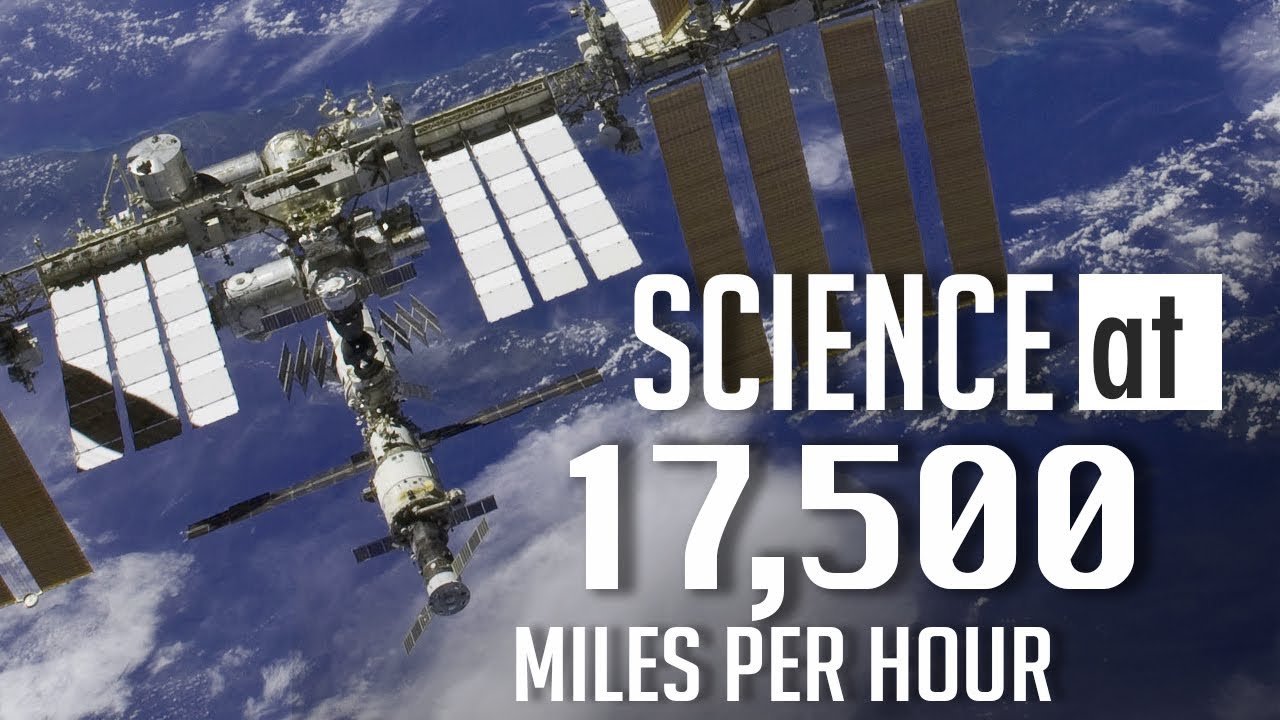
Satellite Speed
Satellites orbit Earth at incredible speeds — often between 7 to 8 km/s. SPACEAPP computes each satellite's current velocity based on its orbital data. This helps users compare low Earth orbit (LEO) vs. geostationary satellites and understand why some satellites move fast across the sky while others seem stationary.
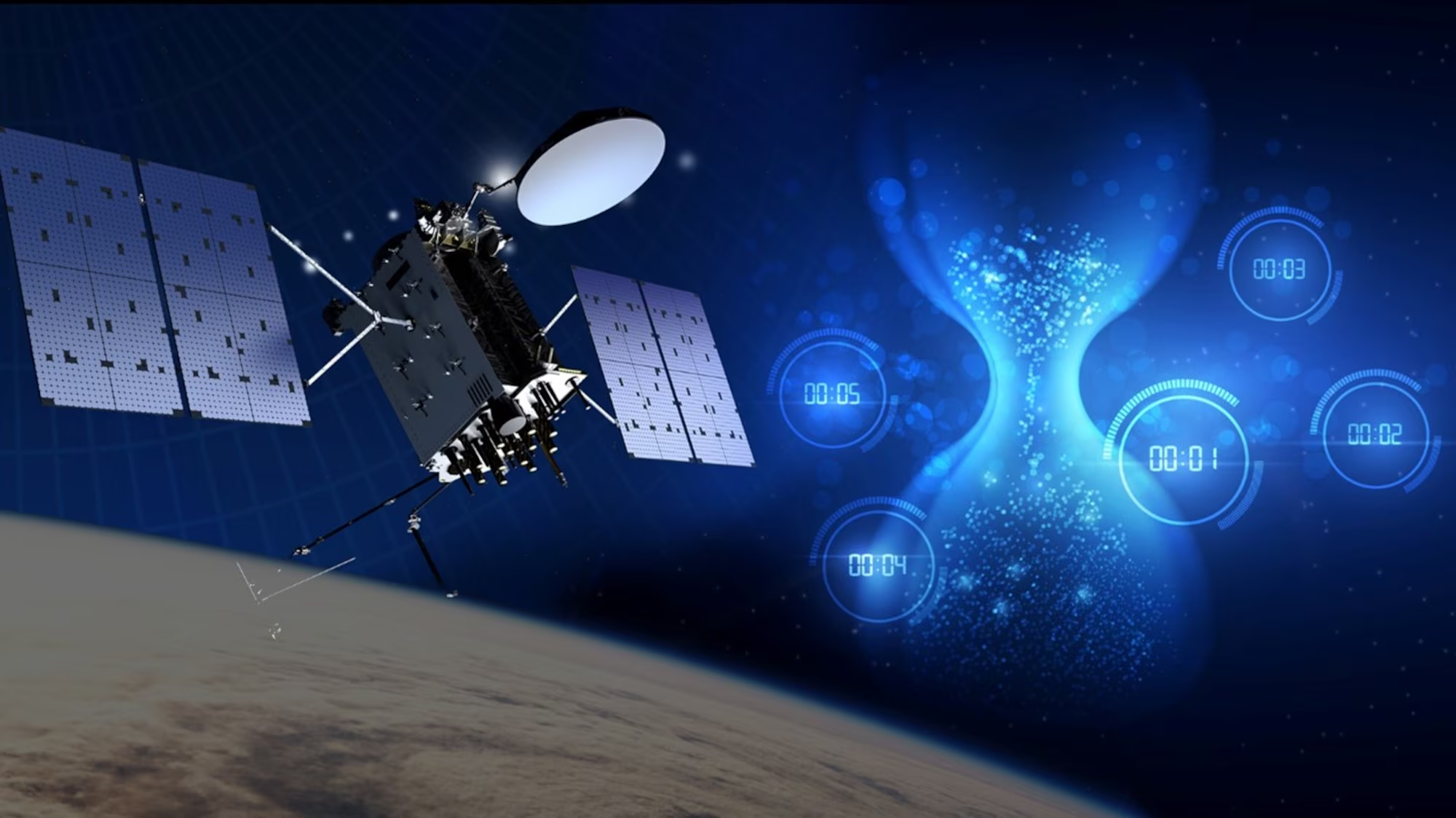
Time In Space
How long has a satellite been in orbit? SPACEAPP calculates the duration since launch, so you can see if the satellite is newly deployed or decades old. Useful for understanding satellite lifespan, mission duration, and decay prediction.
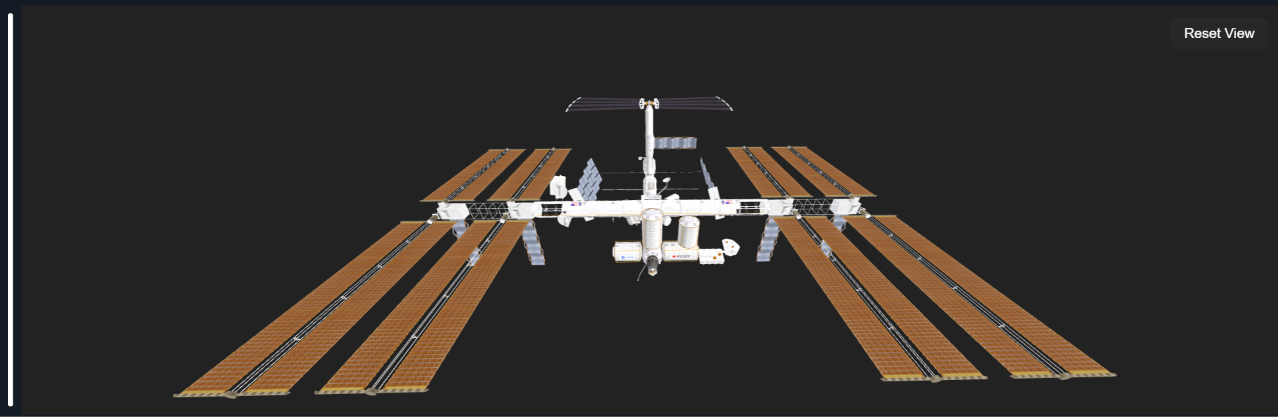
Interactive 3D Spacecraft Visualization
Step beyond simple tracking maps into an immersive orbital canvas. SPACEAPP v5.6 introduces high-fidelity 3D structural rendering for key astronomical structures, including the International Space Station (ISS), Tiangong, Hubble, and the James Webb Space Telescope. Inspect structural details, solar panel configurations, and spatial geometry in real time while tracking live telemetry pipelines.
Take a look at our SPACEAPP Builds
SPACEAPP v5.6 (macOS / STABLE)
SPACEAPP v5.6 introduces the first official macOS environment, featuring interactive 3D spacecraft visualization, AI mission summaries, and comprehensive analytical research views.
- Download both SPACEAPP-macOS.zip and models.zip files.
- Extract both archives and place the extracted
models/folder directly besideSPACEAPP.app. - Do not move the
models/directory inside the application bundle; it must remain beside it to load 3D assets. - Register a free Dev/API key at n2yo.com and enter it on first launch.
- Explore the Next-Generation Workspace with responsive side panels and dedicated research tools.
- Features AI-assisted mission intelligence, lifespan estimations, and RAG-driven spacecraft summaries.
Note: The macOS build is now fully operational, with ongoing performance optimizations and updates delivered throughout the v5.6.x patch cycles.
SPACEAPP v5.6.6 (Linux x86_64)
SPACEAPP is now available on Linux as a single-file AppImage or a standalone PyInstaller build, with the same 3D visualization, AI mission summaries, and research views.
- Download the SPACEAPP-Linux-AppImage.zip and the separate models.zip on this page. Prefer the tar.gz build? Find it on the GitHub Releases page.
- Extract models.zip and place the
models/folder directly beside the SPACEAPP executable. - Register a free Dev/API key at n2yo.com and enter it on first launch.
- Linux compatibility depends on your distribution. If the app does not launch, read the Linux Guide.
- Explore the Next-Generation Workspace with responsive side panels and dedicated research tools.
- Features AI-assisted mission intelligence, lifespan estimations, and RAG-driven spacecraft summaries.
Note: Some distributions may need FUSE 2 for the AppImage, or an older glibc may not be supported. See the Linux Guide for fixes.
SPACEAPP v5.6 (WINDOWS / STABLE)
The flagship Windows release pushes tracking capabilities further with full Supabase satellite database synchronization, trajectory propagation engine tweaks, and streamlined installer configurations.
- Download and open the dedicated setup package: SPACEAPP-Stable-v5.6-Installer-x64.exe.
- Complete the clean Inno Setup wizard steps to smoothly install the application on your computer.
- Register a free Dev/API key at n2yo.com and complete initialization.
- Enjoy alias-aware fast searches and background updates powered by integrated Supabase infrastructure.
- Analyze orbital geometry patterns, coverage radius metrics, and track high-precision trajectories safely.
- Optimized back-end telemetry controls drastically reduce overall network overhead and API call stress.
Note: The Windows x64 version is highly stable and packaged for general users. Once your N2YO API key is saved, it automatically logs you in on subsequent runs.
Note: All SPACEAPP versions require an active N2YO API key configuration during first-time setup to pull active global tracking streams, interface elements, and orbital mechanics data into your workspace.